
66 lines
1.9 KiB
Markdown
66 lines
1.9 KiB
Markdown
# NodeJS-Video-Streamer
|
|
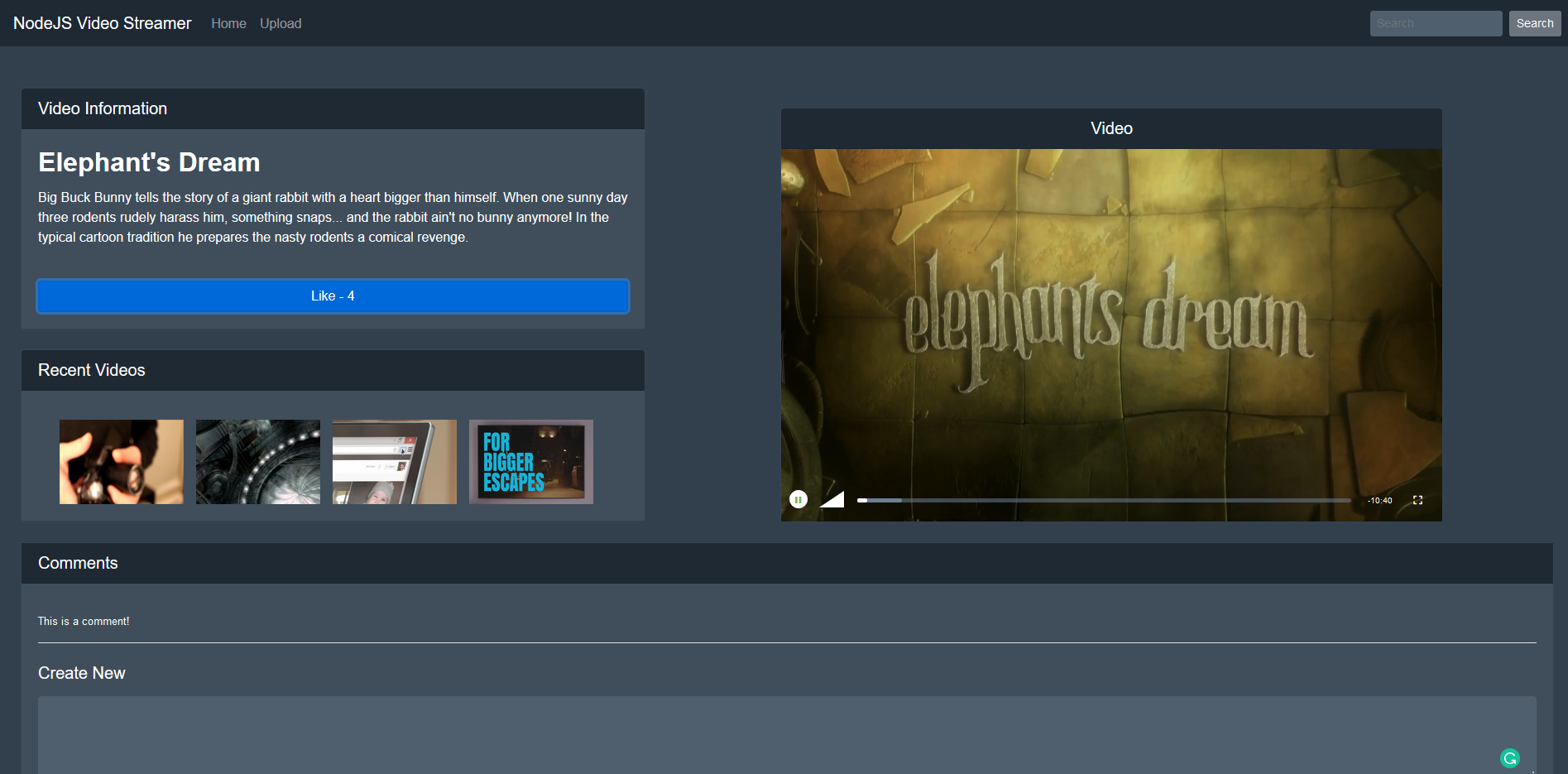
A simple web video streamer built on the MEVN stack.
|
|
|
|
|
|
|
|
### Features
|
|
|
|
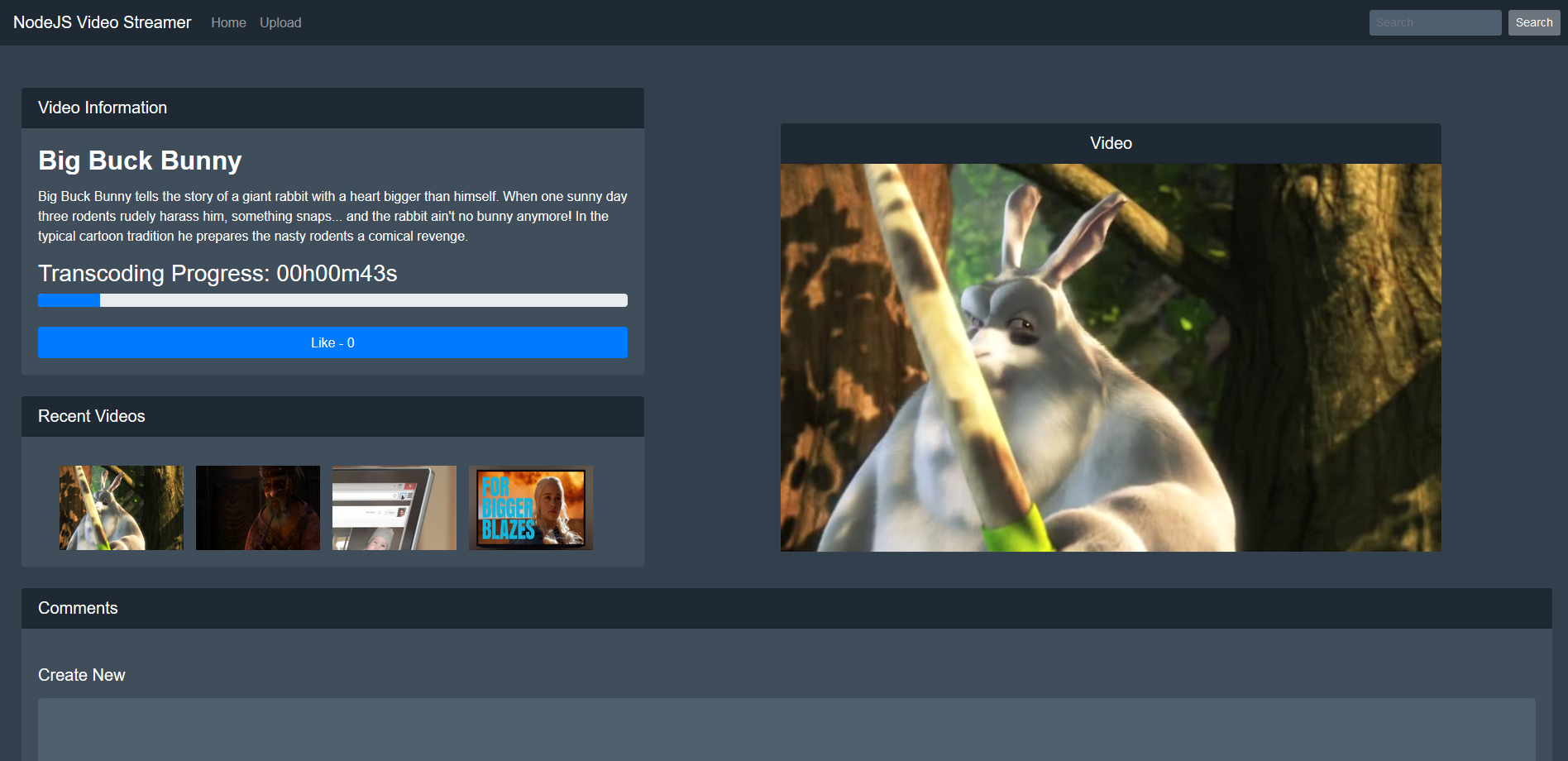
- Automatic transcoding through Handbrake
|
|
- Video.js video player
|
|
- Video streaming from NodeJS backend
|
|
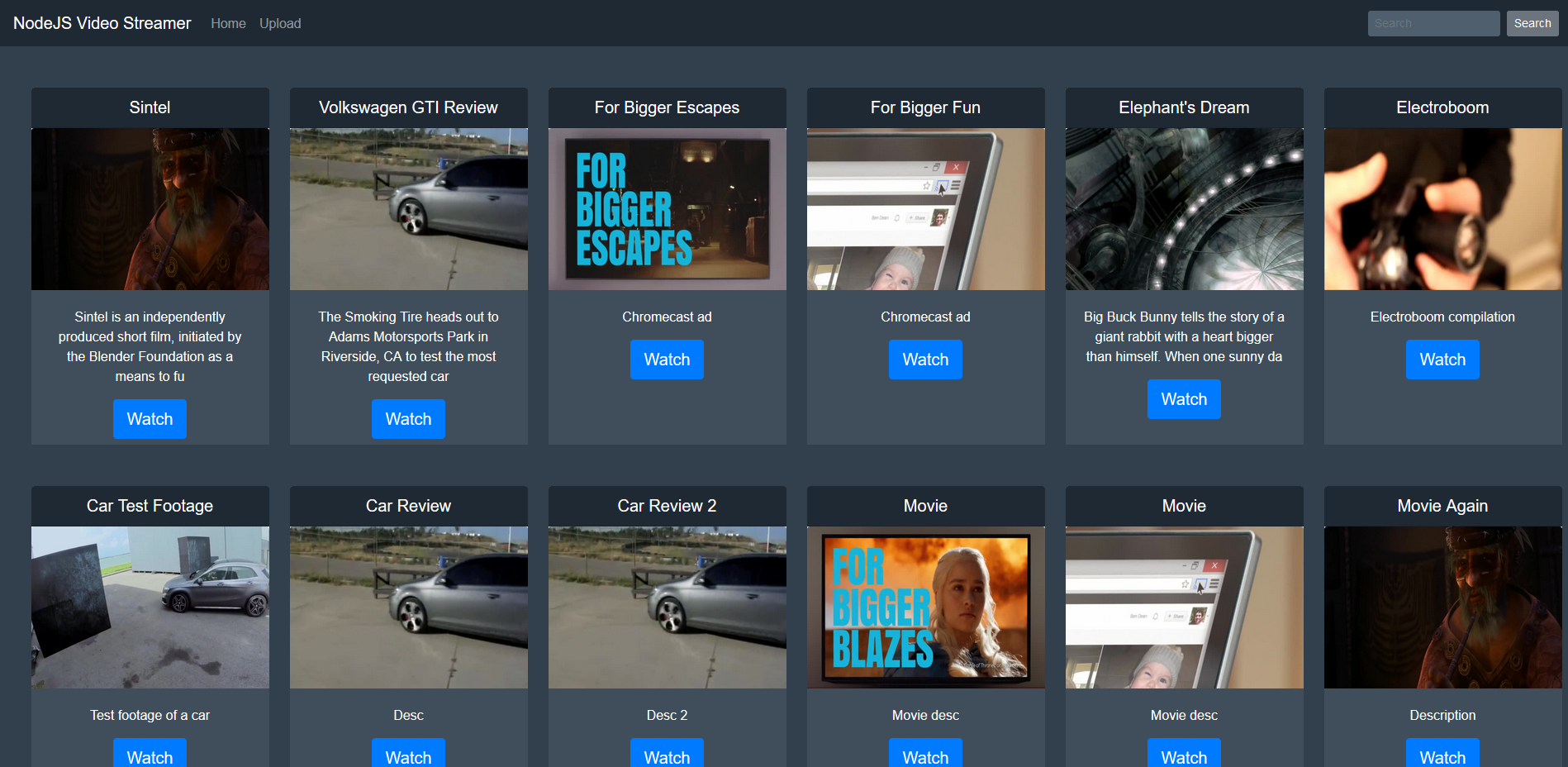
- Automatic thumbnail generation through FFmpeg
|
|
- Store video metadata in MongoDB
|
|
- Video uploader
|
|
- Video search tool
|
|
- Video comments and likes
|
|
|
|
### Installation
|
|
#### Backend
|
|
The backend code is found in the `API` directory. You will need to have NodeJS and FFmpeg installed and properly configured on your system before proceeding.
|
|
Start by installing all backend dependencies
|
|
```
|
|
npm install
|
|
```
|
|
Change the DB settings to your MongoDB database in the `API/DB.js` file
|
|
```
|
|
module.exports = {
|
|
DB: 'mongodb://127.0.0.1:27017/videoStreamer' // Connection to DB
|
|
}
|
|
```
|
|
|
|
Run the backend server
|
|
```
|
|
node index.js
|
|
```
|
|
Or, if you want to run the backend development server instead
|
|
```
|
|
nodemon run
|
|
```
|
|
The backend will automatically run on port 8000, if you want to change this you can edit the port on line 29 of the `index.js` file.
|
|
|
|
#### Frontend
|
|
Run in the root directory of the project to install all frontend dependencies
|
|
```
|
|
npm install
|
|
```
|
|
You will now need to edit line 9 of the `main.js` file found in `src/main.js`. Set this to the IP and port of your backend server.
|
|
```
|
|
Vue.prototype.$apiIp = "http://127.0.0.1:8000"
|
|
```
|
|
Building the application for production minifies all the files, and removes unnecessary checks. To build the app run
|
|
```
|
|
npm run build
|
|
```
|
|
The generated files will be placed in the ```dst``` directory, these can be run on any static file server.
|
|
|
|
Or, to run the development server, you can run
|
|
```
|
|
npm run serve
|
|
```
|
|
### Interface
|
|
|
|
|
|
|
|
|
|
|